

Every item. Not just the total.
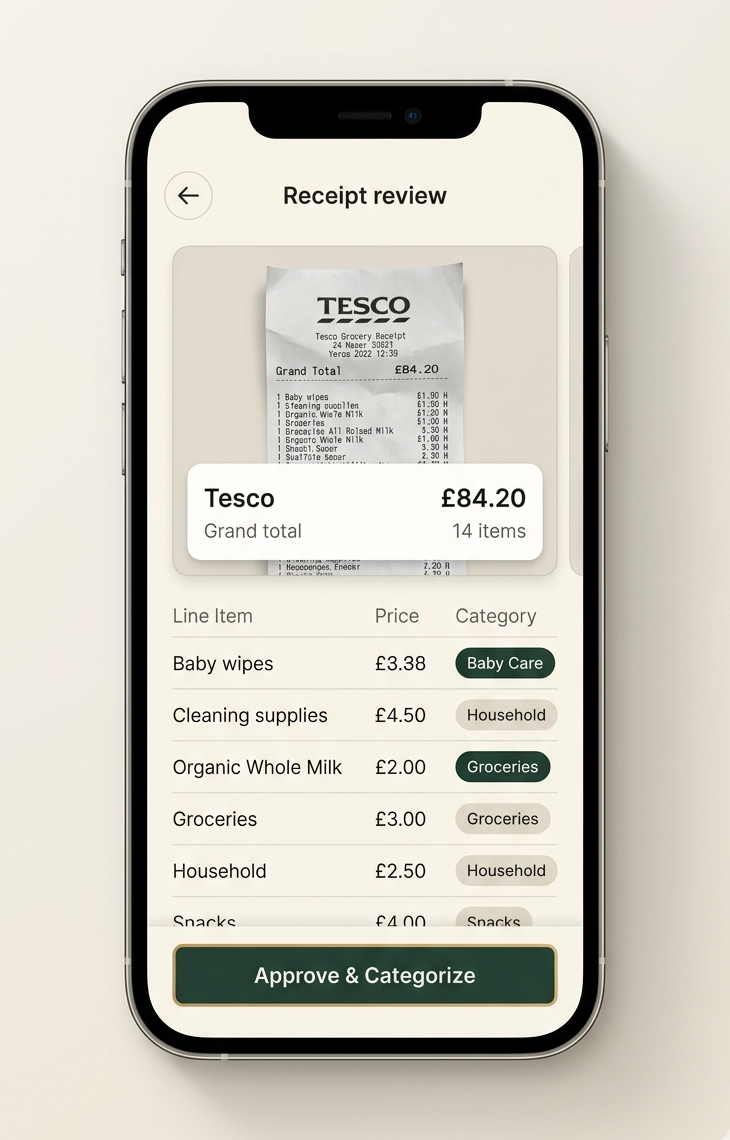
Snap the receipt once. FamSpendy pulls out the merchant, line items, categories, and total, so the useful detail is already there when you need it.

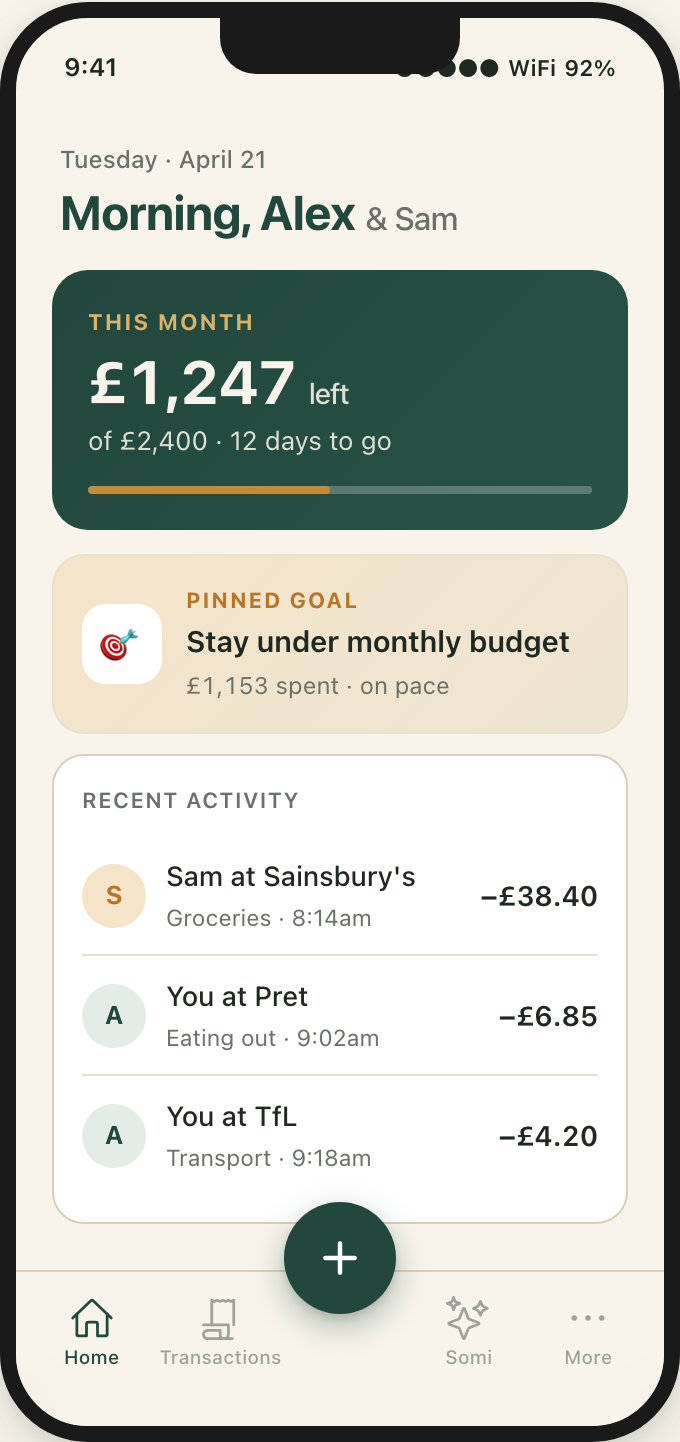
Scan receipts, categorise every item and keep spending, bills, budgets and savings goals clear for everyone at home.

Bank-connected budgeting apps usually categorise the whole payment based on the store. Scan the receipt with FamSpendy to separate groceries, home supplies, baby supplies and personal care.
Your budgets reflect where the money actually went, not just where you paid.
Why bank categories fall shortFamSpendy brings everyday money decisions into one shared place. It works whether you are building a life as two, raising a family, or sharing a home.


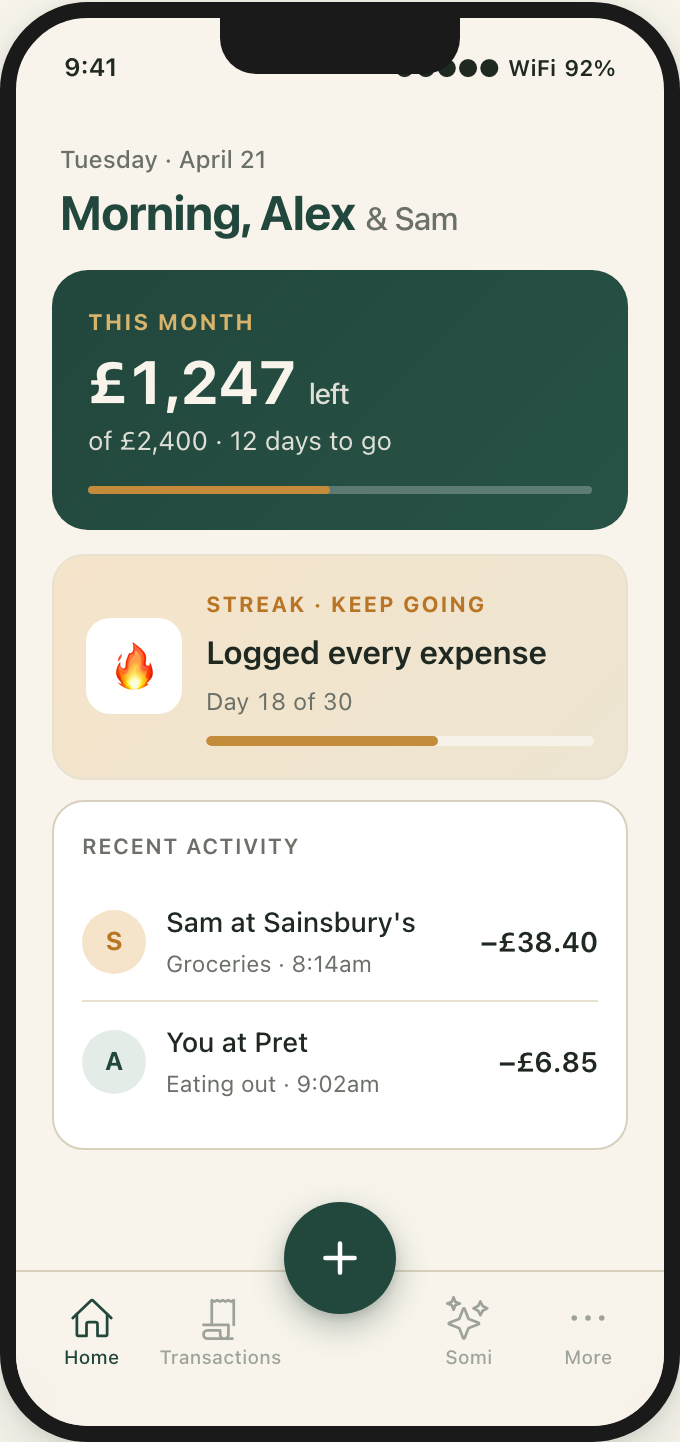
FamSpendy keeps the spending organised, so everyone at home can follow what is happening.
Snap a receipt and FamSpendy pulls in the items, merchant, and total.
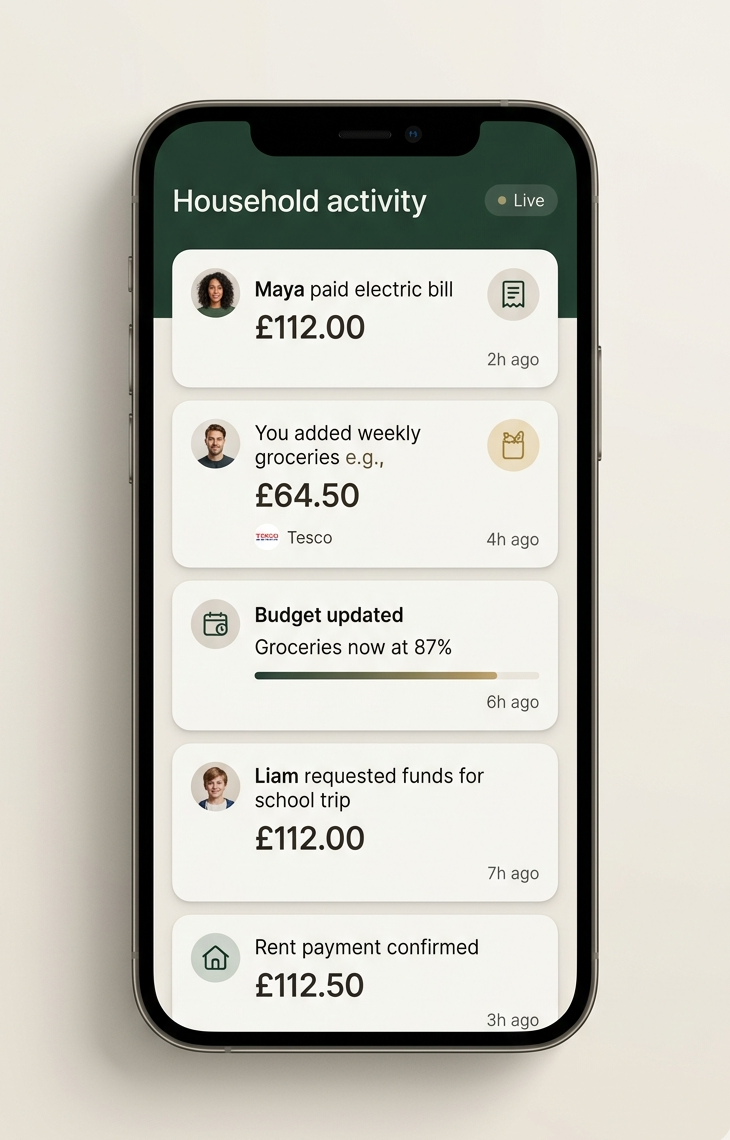
New spending, budgets, bills, and goals update for the whole household.
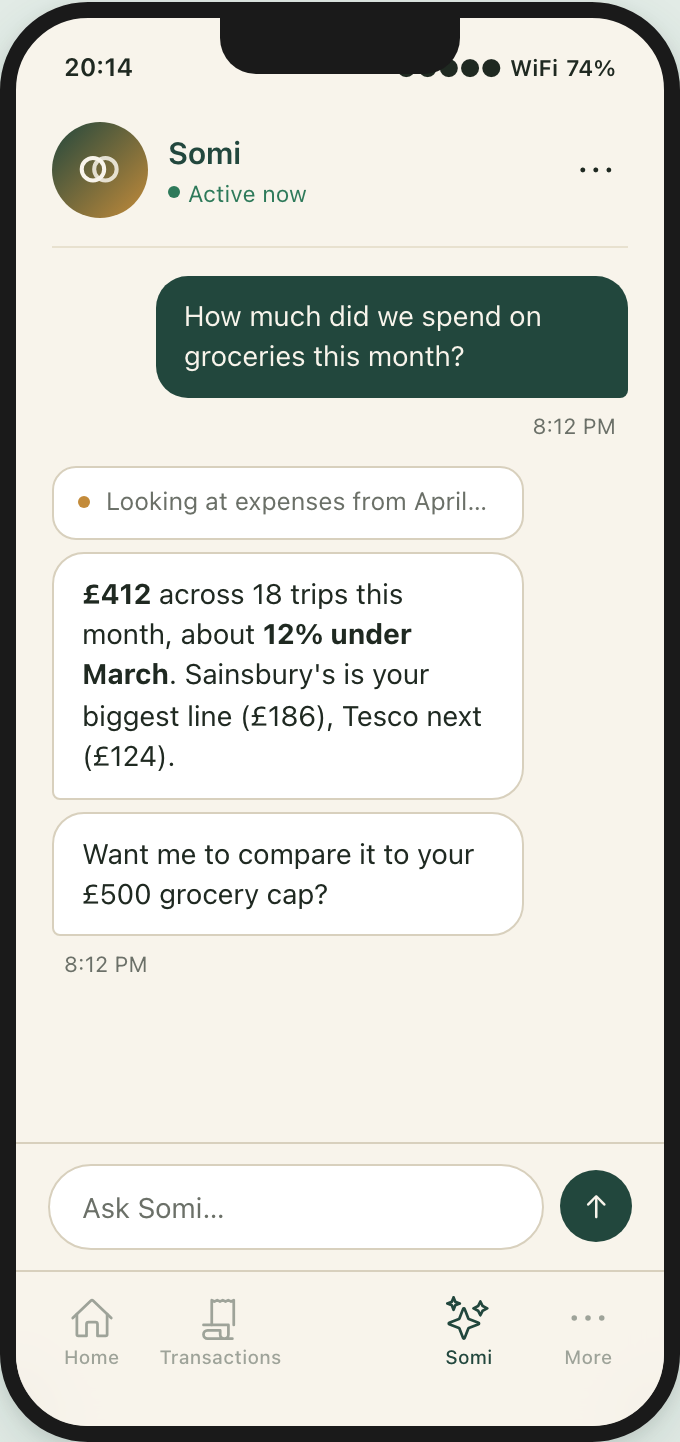
The AI spending assistant built into FamSpendy answers using your household’s real spending.


Snap it once. FamSpendy updates the household and keeps the details ready for your next question.
Snap the receipt once. FamSpendy pulls out the merchant, line items, categories, and total, so the useful detail is already there when you need it.

The expense appears for the whole household in seconds. Everyone sees the same activity, budgets, bills, and goals without chasing screenshots or messages.

Ask a normal question about groceries, bills, or what changed. Your AI spending assistant answers from your real household spending and shows the records behind the answer.

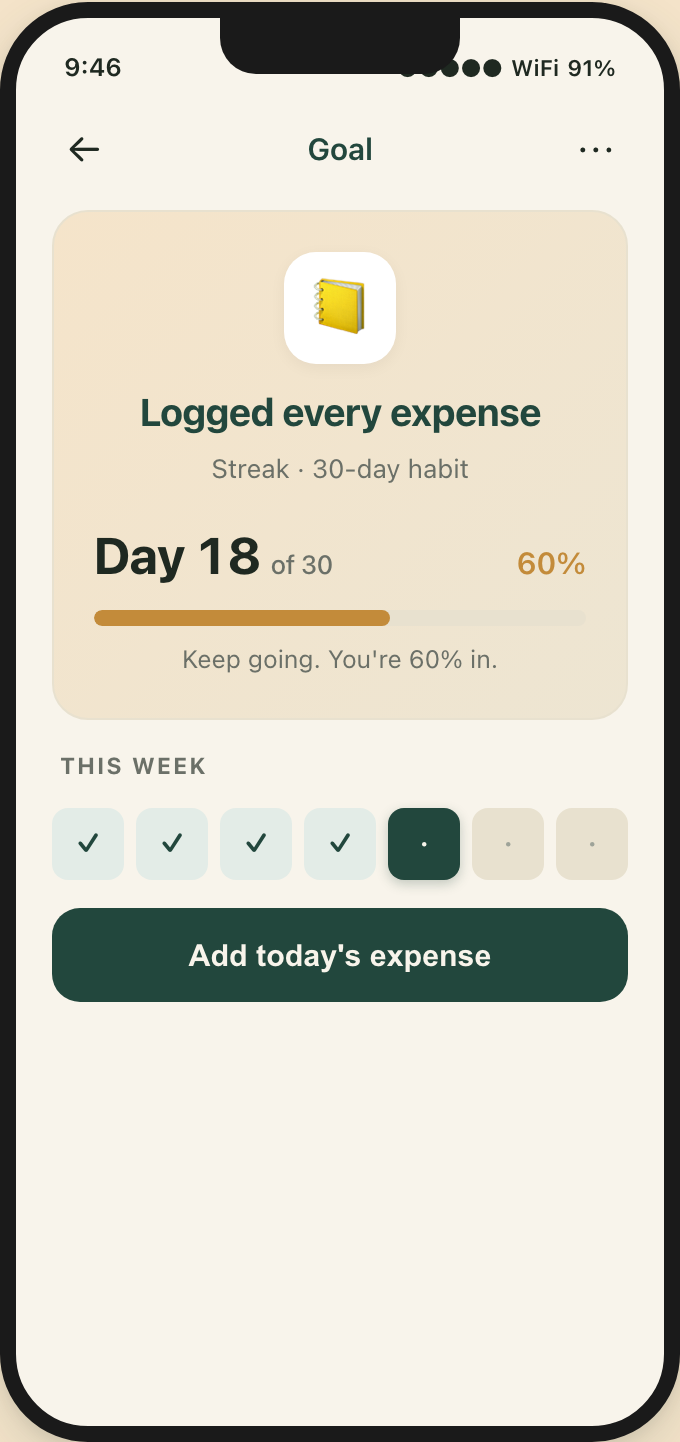
Stay under your monthly budget. Cap a category. Log every expense for 30 days. Hit your no-spend days. Pick a goal and pin it to home.
Your AI spending assistant gives you a quiet nudge when you start to drift.
Keep the month under your overall budget, or cap a category like groceries at £400.
Log every expense for 30 days. Two no-spend days a week. Small wins, every day.


Add an expense in the currency you paid. FamSpendy keeps the original amount, saves the rate used and shows the converted value in your household currency.
Past reports stay consistent, even when exchange rates move later.
How to budget across currenciesFrom the guides
Practical help for the decisions families and shared households make every month.

Receipt tracking
Understand why a bank may put a whole payment in one category, when that matters, and how to get a clearer view of mixed household purchases.
Read the guide
Household expenses
Plan for school costs, insurance, celebrations, repairs and other family expenses that do not arrive in the same amount every month.
Read the guide
Family budgeting
Choose useful family budget categories, handle mixed supermarket purchases, and decide when your household needs more or less detail.
Read the guideEveryone gets their own account. One subscription covers the household.
Billed monthly
No ads · Cancel anytime
About £5 a month when billed yearly
No ads · Cancel anytime
Showing pricing for United Kingdom. Your App Store or Google Play account confirms the final price and any applicable taxes before you subscribe.
Don’t see your question? Email support@somitechnologies.com
Keep the household money in one place, so you can spend less time checking it and more time together.
7-day free trial. One subscription covers your household. Cancel anytime from your phone.